
 Benefits · Budget and spending for iPhone
Know where your money goes.
See what you spend each month, card by card, against the budgets you set, and never be surprised by a renewal again.
Coming soon to the App Store · no account, no ads, no tracking
Your cards, budgets and renewals, together.
Six parts that answer one question: where did this month's money go, and what is coming next.
 Today
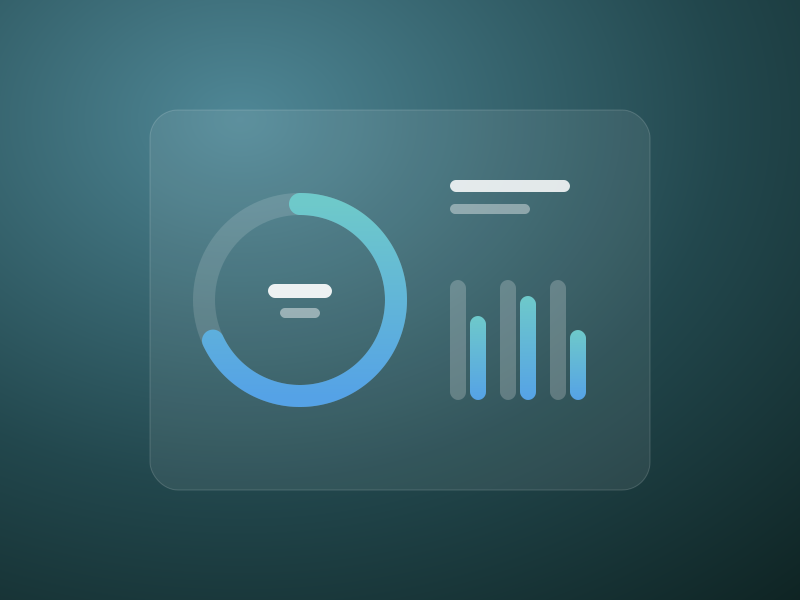
TodaySee the month at a glance
Month-to-date spending against your budget, income against what went out, and the renewals coming up next.
 Cards
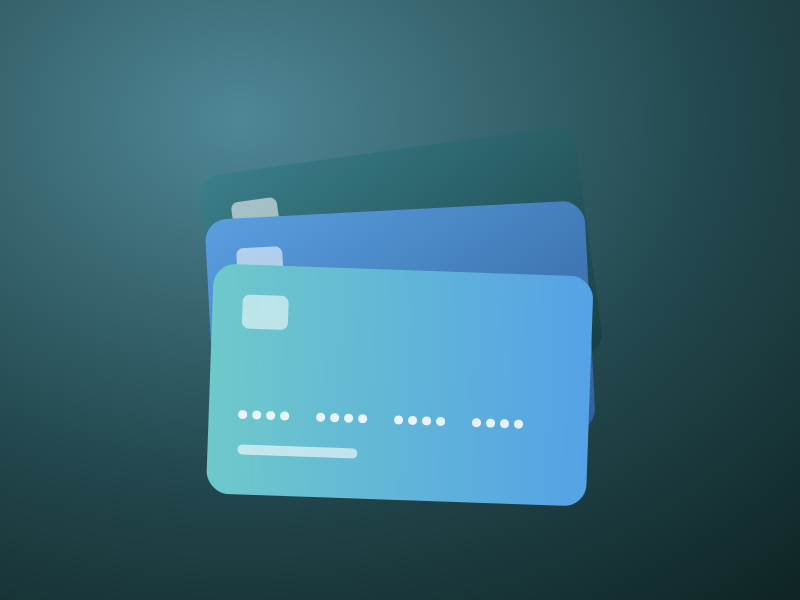
CardsEvery card at a glance
Add a card from a screenshot: Benefits finds it, straightens it and paints over the number, expiry and security code, right on your iPhone.
 Budget
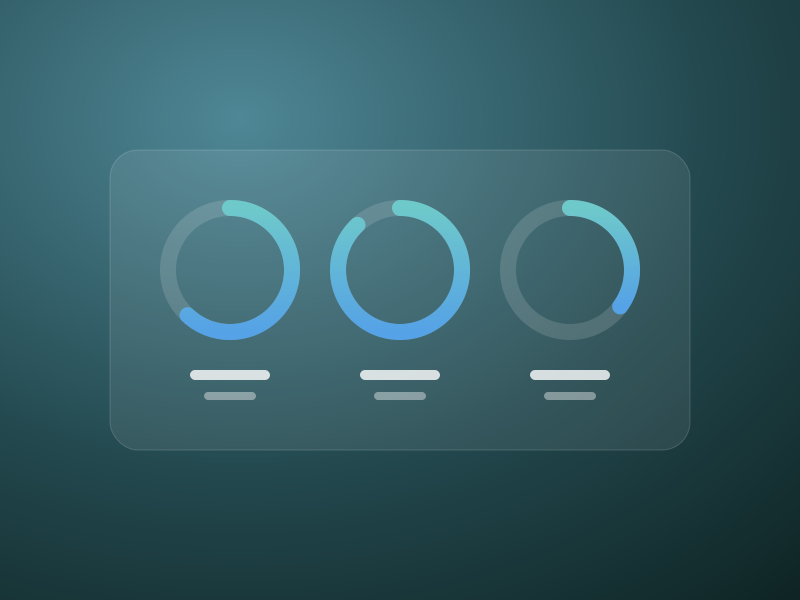
Budgets that make sense
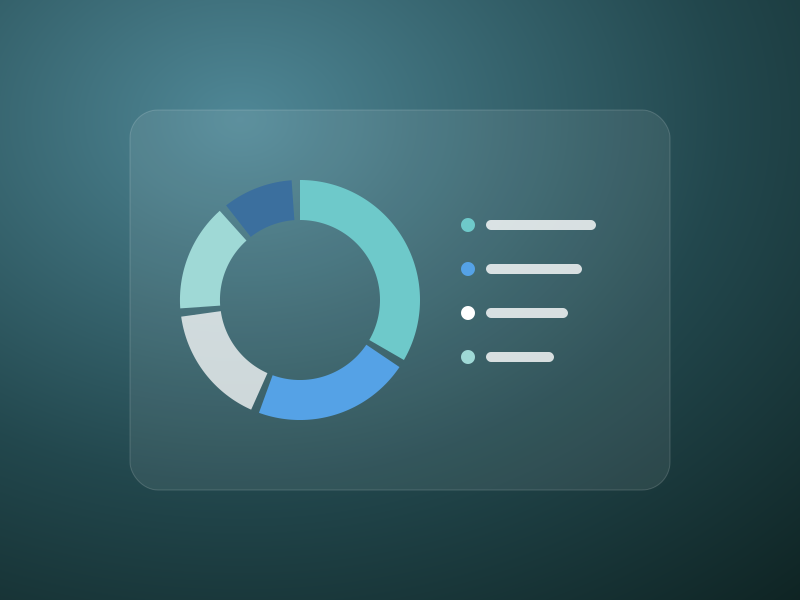
A ring for each category shows what is spent and what is left, with suggested budgets from your last three months and alerts at 80% and 100%.
 Reports
Where it all went
Monthly charts by category, card or merchant, with pace and projection for the month, day-by-day bars and a 12-month trend.
 Subscriptions
No surprise renewals
Monthly and yearly totals, a reminder the day before each renewal or free-trial end, and charges logged for you on the day.
 Logging
Log it in seconds
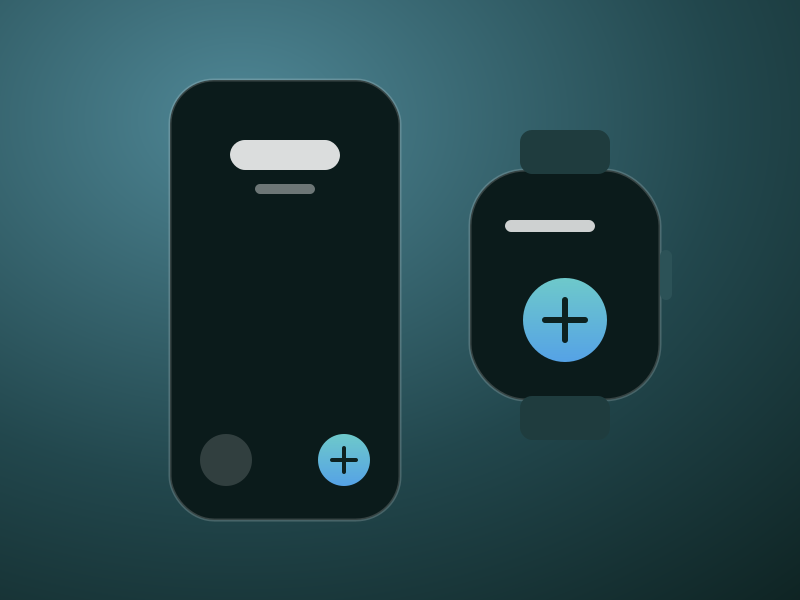
From the Lock Screen, Control Center, the Action button, Back Tap, a widget or Siri, without opening the app.
Works where you already pay.
The less you have to type, the more complete the picture. Benefits meets you at the till, on your wrist and on your Lock Screen.
- Apple Pay, logged for youA Shortcuts automation can log each Apple Pay payment with the merchant, a category and the card you tapped.
- Apple WatchSee this month and log a purchase from your wrist, even when your iPhone is not nearby.
- Learns your placesMerchants are sorted into categories automatically, and Benefits learns from every correction you make.

Private by design.
No account, no ads and no tracking. Benefits has no servers of its own, no analytics and no third-party SDKs.
- Stays on your iPhoneEvery card, purchase and budget lives on your device.
- Your own iCloudTurn on sync and it is kept in your private iCloud, which only you can read.
- Locked with Face IDLock the app, and keep your numbers hidden in the app switcher.
- Yours to takeExport a spreadsheet or a full backup whenever you like.
Read the privacy policy and terms of use.
Questions or feedback?
Benefits is on its way to the App Store. For help with the app, visit the support page, or write to us from Settings › Support inside Benefits.